Canon EOS M6 Mark II — Film Looks & Free Picture Styles
The M6 Mark II is the rangefinder-style compact of the EOS M line: small body, no center hump, tilting screen — the shape street photographers reach for. With the EF-M mount discontinued, these bodies are plentiful second-hand at low prices, which has quietly made the M6 II one of the best value compact street kits around.
It runs the full Picture Style engine with three custom slots, so the film-look workflow is identical: load a look, shoot, and the JPEG comes out developed.
How to load a film look on the EOS M6 Mark II
EOS M bodies register styles from a computer: install EOS Utility (free from Canon), connect the M6 II over USB, and use "Register Picture Style file" to fill one of the three User Def. slots. There is no register-from-card option on this line — if you don't see it in the menu, that's expected.
Full step-by-step: the installation guide.
Full walkthrough: How to install Picture Styles (PF3) on your Canon · Film simulation: Picture Styles vs LUTs vs apps
Five films to start with on the EOS M6 Mark II

Everyday print-film color — the honest street look for daylight walks.

Crisp red-filter black and white; ideal for the M6 II's discreet size.

Cool, faded instant-film tones for moody overcast streets.

Soft portrait color for candid people shots.
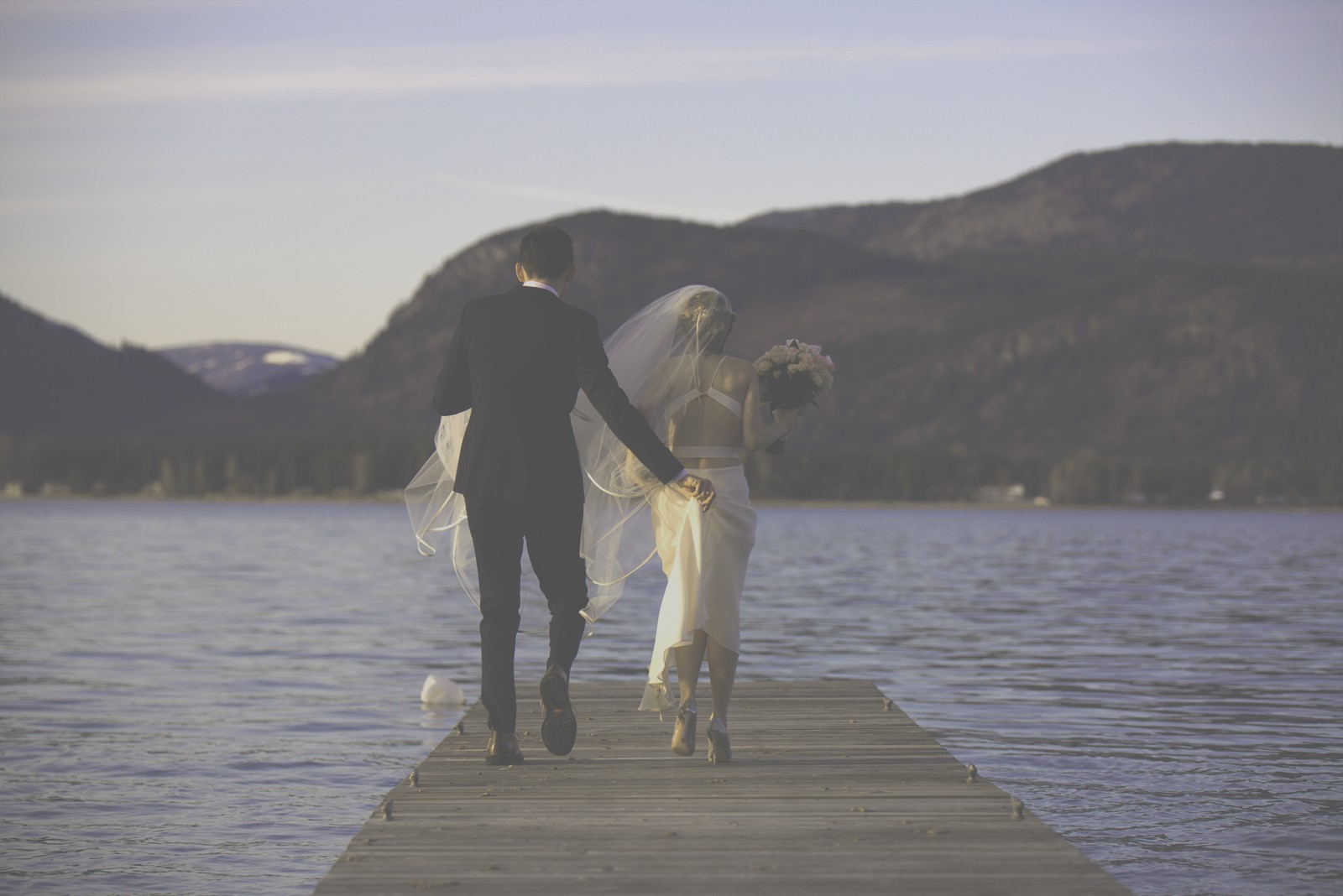
Warm, faded instant character — a whole decade in one file.
All free, all loadable in the User Def. slots of this body. The full catalog is in Films.
FAQ
Is the M6 Mark II still worth it for street photography?
Yes — the EF-M system ended, but that's exactly why the bodies are cheap and the compact EF-M primes are abundant second-hand. As a street kit (small body + small lens + in-camera film looks) it still punches far above its price.
The style loaded but colors barely change — what now?
Some M-series bodies render the look from the style's six-axis recipe rather than the embedded look data (an M100 user documented exactly that). Each film page offers two downloads: grab the "compatible" variant — it's built for bodies that behave this way.
Do film looks work on M6 II video?
Yes — the style applies to movie recording, so your clips match your stills.