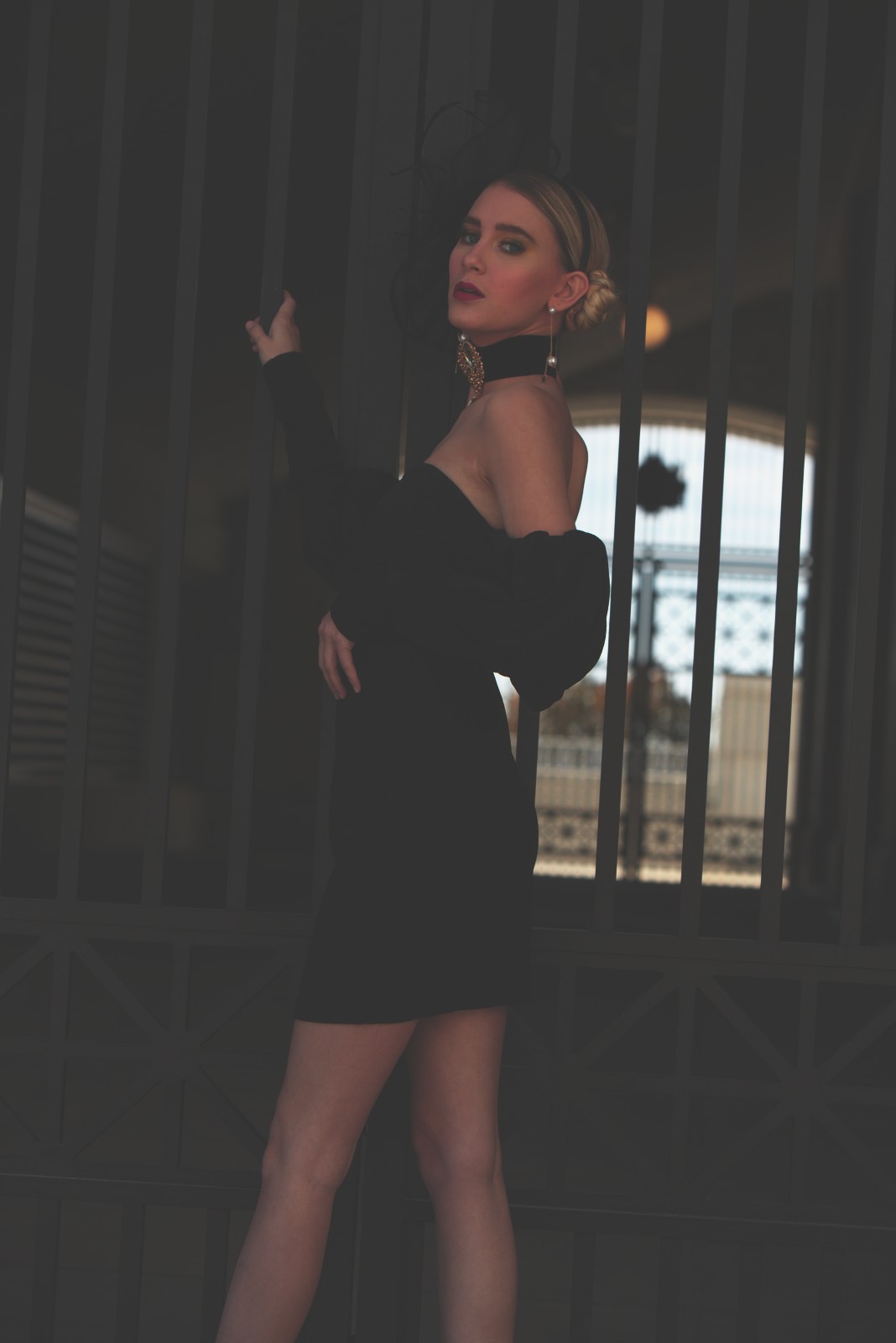
Polaroid 669 Cold — Picture Style for Canon
Pro instant film emulation — an approximation, not affiliated with the brand
A look inspired by Polaroid 669 Cold, adapted as a Picture Style (PF3) with a compatible structure for Canon EOS cameras: it loads as its own style and works in-camera and in Digital Photo Professional. It is not a Polaroid product nor is it affiliated with the brand.
The recipe
Six-axis grading (H / S / L)
| Axis | Hue | Sat | Lum |
|---|---|---|---|
| Red | -12 | -5 | 0 |
| Yellow | +4 | -3 | 0 |
| Green | +12 | -18 | -3 |
| Cyan | 0 | -18 | +3 |
| Blue | -12 | -18 | -6 |
| Magenta | 0 | -12 | +6 |
Tone curve (11 points)
0,49 · 24,55 · 48,64 · 72,81 · 96,104 · 128,141 · 159,179 · 191,211 · 215,227 · 239,239 · 255,244
Compatible with Canon EOS cameras with Picture Styles (loaded via EOS Utility, Picture Style Editor or SD card). The file includes the six-axis grading, the tone curve and the basic parameters; the preview on this page was generated with the same color transformation written into the PF3.
About the Polaroid 669 Cold look
Polaroid 669 belonged to the packfilm family — peel-apart instant film that professional photographers used for decades: you pulled the tab, separated positive from negative, and within a minute you had a physical proof in your hand. Multipurpose — photos, proofs, even silk-screen work — the 669 was the generalist 80 ISO stock of the range, and the "Cold" variant captures its cool-palette personality.
This variant's look is shade-developed: blues and greens dominate, skin loses warmth and takes on that technical-proof tone, and highlights settle gently over restrained contrast. On top comes the texture inherent to instant material: pack borders, small development irregularities and that characteristic matte finish. Technical elegance with one foot in lo-fi.
Its scenes: product and still life on cold backgrounds, architecture, conceptual portraiture, author photography with an analytical air. The cold tone isolates the warm colors that do appear in the scene — a red coat, a coffee — creating natural points of interest. It is also a perfect look for coherent series: the whole project shares one emotional temperature.
This Picture Style for Canon brings that cool calibration in-camera: the grading withdraws warmth from mids and shadows, the curve keeps contrast under control, and the whole thing imitates the fineness of pack material. Combined with RAW+JPEG you can switch between the instant cool version and your own development of the RAW without losing anything.
It works wonders with limited palettes: two or three colors in the scene are enough for the cold tone to order them. Window light without direct warmth is its best ally, and in product photography a blue-gray background multiplies the technical-proof effect. If a photo comes out too cold for your taste, a slight warm touch in the RAW balances it without losing character. Cold tones like these make warm subjects glow twice as bright.
Frequently asked questions
Is this an official Polaroid product?
No. It is an independent emulation created by FilmTone, inspired by the color character of Polaroid 669 Cold. It is not affiliated with or endorsed by Polaroid; film names are mentioned only to describe the look being emulated.
Which Canon cameras support this Picture Style?
Any Canon EOS with Picture Styles and User Def. slots: DSLRs from the 350D onward, EOS R and M mirrorless bodies, and recent PowerShot models. The PF3 file registers into a free slot and is selected like any factory style.
How do I install it on the camera?
Three routes: with EOS Utility over USB or Wi-Fi (the most universal), opening the PF3 in Picture Style Editor and registering it, or from the SD card on recent models that allow it. We have a step-by-step guide in the guides section of the site.
Does it affect my RAW files?
The style applies to the JPEG, the on-screen preview and the RAW pre-render, but the RAW keeps all the sensor information: you can change or remove the style later in Digital Photo Professional. Shooting RAW+JPEG gives you both the instant look and the untouched digital negative.
Does it cost anything to download?
No. Downloading the PF3 is free and you can customize the name your camera will show (1–24 ASCII characters). The project runs on voluntary Ko-fi donations.