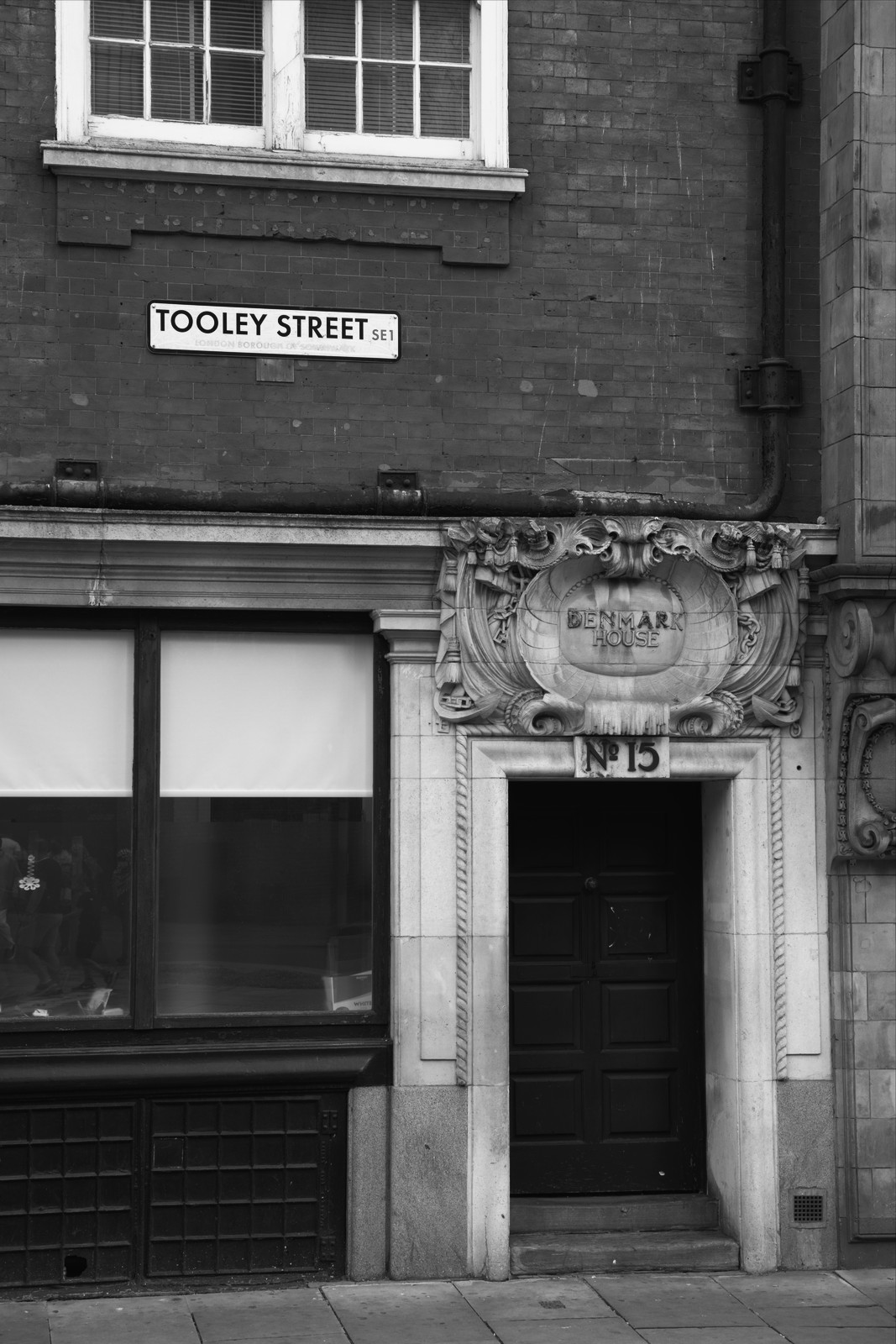
Rollei IR 400 — Picture Style for Canon
Black & white emulation — an approximation, not affiliated with the brand
A look inspired by Rollei IR 400, adapted as a Picture Style (PF3) with a compatible structure for Canon EOS cameras: it loads as its own style and works in-camera and in Digital Photo Professional. It is not a Rollei product nor is it affiliated with the brand.
The recipe
Six-axis grading (H / S / L)
| Axis | Hue | Sat | Lum |
|---|---|---|---|
| Red | 0 | -100 | 0 |
| Yellow | 0 | -100 | 0 |
| Green | 0 | -100 | 0 |
| Cyan | 0 | -100 | 0 |
| Blue | 0 | -100 | 0 |
| Magenta | 0 | -100 | 0 |
Tone curve (11 points)
0,6 · 24,16 · 48,31 · 72,49 · 96,70 · 128,107 · 159,150 · 191,191 · 215,216 · 239,235 · 255,244
Compatible with Canon EOS cameras with Picture Styles (loaded via EOS Utility, Picture Style Editor or SD card). The file includes the six-axis grading, the tone curve and the basic parameters; the preview on this page was generated with the same color transformation written into the PF3.
About the Rollei IR 400 look
Rollei Infrared 400 belongs to that small family of films that see beyond red: a black and white with sensitivity extended into the near infrared, made for Rollei's catalog. Unlike the defunct Kodak HIE, it has remained available, which made it the working infrared for anyone who arrived late to the original. Its aesthetic is every bit as other-worldly: the photography of the invisible.
Its most famous signature is the Wood effect: chlorophyll reflects infrared strongly, so foliage and meadows turn luminous white while skies sink into deep black. Contrast is high, grain is a protagonist and skin takes on that soft, luminous finish so prized in experimental portraiture. With infrared filters the effect radicalizes; without them you get a suggestive, more manageable version.
Its habitat: landscape with vegetation under frank sun, summer parks, backlit trees, architecture against stormy sky. Outdoor portrait yields fantasy imagery with ease. It is a look of concept and series: the best plan is to dedicate a whole day to it and work a single theme to exhaustion.
This Picture Style for Canon emulates that behavior in a high-contrast monochrome grade with the spectral responses shifted the way a film like this would register them: glowing foliage, dramatic skies. Shoot RAW+JPEG to keep the negative, and prioritize sunny days: without intense light, infrared never shows up.
Plan the session: infrared and rushing do not get along. Scout vegetation next to open skies, shoot RAW+JPEG and compare the effect JPEG against the neutral RAW to understand how much the look contributes in each scene. In composition, a lone tree or an avenue of foliage are ideal subjects: the contrast between the white (plant) and the black (sky) is the photographic statement. Watch a summer park turn into a snowfield and you will be hooked. Summer is its season.
Frequently asked questions
Is this an official Rollei product?
No. It is an independent emulation created by FilmTone, inspired by the color character of Rollei IR 400. It is not affiliated with or endorsed by Rollei; film names are mentioned only to describe the look being emulated.
Which Canon cameras support this Picture Style?
Any Canon EOS with Picture Styles and User Def. slots: DSLRs from the 350D onward, EOS R and M mirrorless bodies, and recent PowerShot models. The PF3 file registers into a free slot and is selected like any factory style.
How do I install it on the camera?
Three routes: with EOS Utility over USB or Wi-Fi (the most universal), opening the PF3 in Picture Style Editor and registering it, or from the SD card on recent models that allow it. We have a step-by-step guide in the guides section of the site.
Does it affect my RAW files?
The style applies to the JPEG, the on-screen preview and the RAW pre-render, but the RAW keeps all the sensor information: you can change or remove the style later in Digital Photo Professional. Shooting RAW+JPEG gives you both the instant look and the untouched digital negative.
Does it cost anything to download?
No. Downloading the PF3 is free and you can customize the name your camera will show (1–24 ASCII characters). The project runs on voluntary Ko-fi donations.