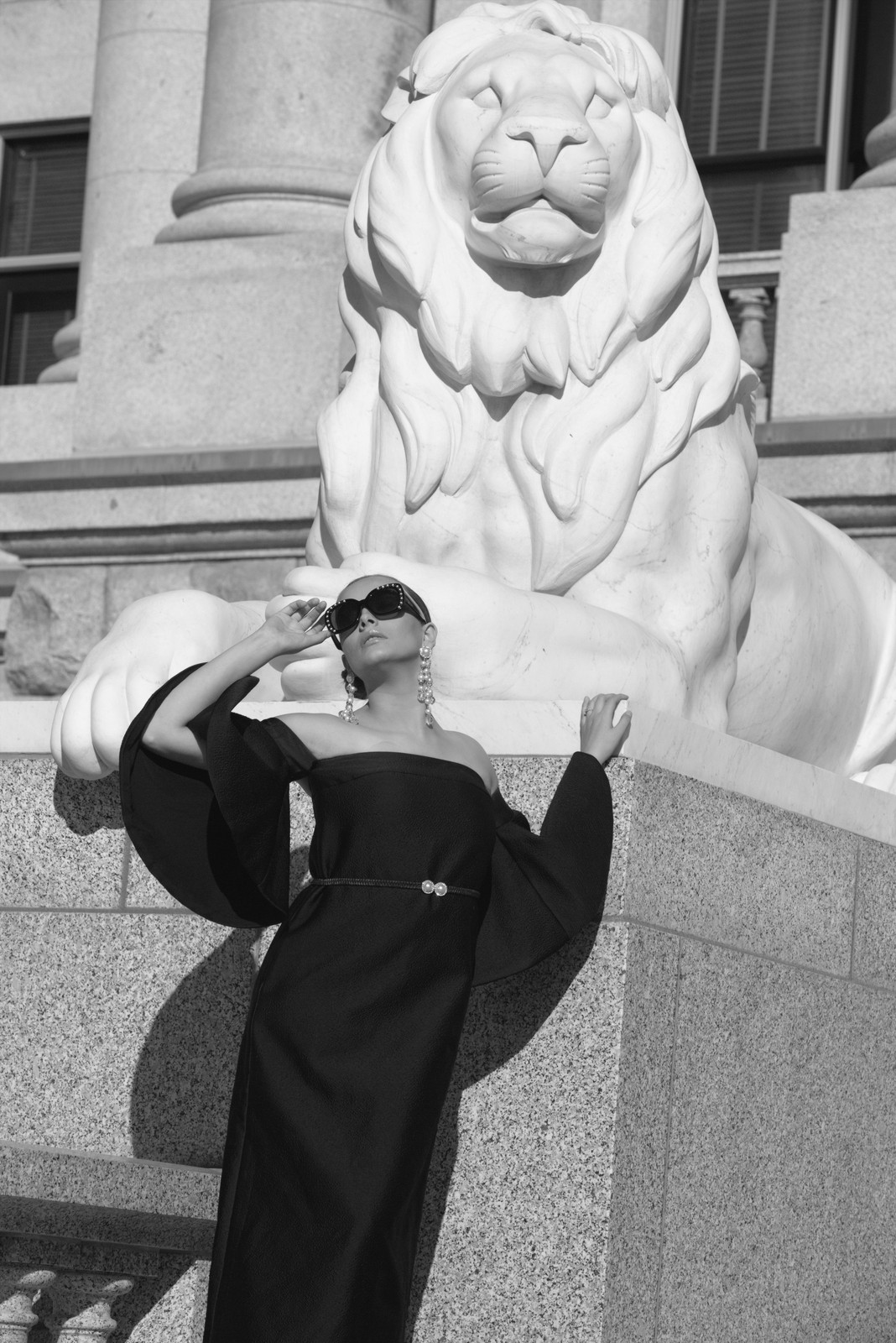
Ilford HP 5 — Picture Style for Canon
Modern negative emulation — an approximation, not affiliated with the brand
A look inspired by Ilford HP 5, adapted as a Picture Style (PF3) with a compatible structure for Canon EOS cameras: it loads as its own style and works in-camera and in Digital Photo Professional. It is not a Ilford product nor is it affiliated with the brand.
The recipe
Six-axis grading (H / S / L)
| Axis | Hue | Sat | Lum |
|---|---|---|---|
| Red | 0 | -100 | 0 |
| Yellow | 0 | -100 | 0 |
| Green | 0 | -100 | 0 |
| Cyan | 0 | -100 | 0 |
| Blue | 0 | -100 | 0 |
| Magenta | 0 | -100 | 0 |
Tone curve (11 points)
0,9 · 24,27 · 48,54 · 72,84 · 96,113 · 128,148 · 159,183 · 191,214 · 215,231 · 239,243 · 255,250
Compatible with Canon EOS cameras with Picture Styles (loaded via EOS Utility, Picture Style Editor or SD card). The file includes the six-axis grading, the tone curve and the basic parameters; the preview on this page was generated with the same color transformation written into the PF3.
About the Ilford HP 5 look
Few films have a history as long as Ilford HP 5: its roots reach back to the thirties, and the current emulsion — still made today in the UK by Harman — has been the reference black and white of photojournalism for decades. It is the film of great reporters, street chronicles and smoky concerts; if a black and white photograph ever moved something inside you, decent odds it was HP 5.
Its character is a resolved 400 ISO: grain that is present but well-behaved, medium contrast begging to be shaped, rich grays and legendary versatility — it withstands underexposure and push processing without losing its composure. Blacks are inky yet keep information, and skin comes out with honest, unsweetened texture. This is black and white with personality, not technical coldness.
Its ground is the street, documentary, environmental portrait and early night. It works under clouds and under hard sun, with the camera at your hip and in a hurry. It is also the ideal first monochrome: it forgives almost everything and teaches you to see in grays. If you will only keep one monochrome style on your camera, tradition says pick this one.
This Picture Style for Canon reproduces that classic contrast and its organic-looking grain through a neutral monochrome curve and grade: no color casts, no tricks. Sharpness is tuned for reportage. With RAW+JPEG you get the best of both worlds: the JPEG with the HP 5 texture and the RAW in case a subject asks for a softer version.
Take advantage of its flexibility: raise the camera's ISO indoors and let it drop outdoors, let shadows fall where they may and trust the look's medium contrast to order the scene. With fast lenses and a bit of on-screen grain, the analog-reporter feeling is total. It is also the perfect style for discreet street photography: it draws no attention, it just records.
Frequently asked questions
Is this an official Ilford product?
No. It is an independent emulation created by FilmTone, inspired by the color character of Ilford HP 5. It is not affiliated with or endorsed by Ilford; film names are mentioned only to describe the look being emulated.
Which Canon cameras support this Picture Style?
Any Canon EOS with Picture Styles and User Def. slots: DSLRs from the 350D onward, EOS R and M mirrorless bodies, and recent PowerShot models. The PF3 file registers into a free slot and is selected like any factory style.
How do I install it on the camera?
Three routes: with EOS Utility over USB or Wi-Fi (the most universal), opening the PF3 in Picture Style Editor and registering it, or from the SD card on recent models that allow it. We have a step-by-step guide in the guides section of the site.
Does it affect my RAW files?
The style applies to the JPEG, the on-screen preview and the RAW pre-render, but the RAW keeps all the sensor information: you can change or remove the style later in Digital Photo Professional. Shooting RAW+JPEG gives you both the instant look and the untouched digital negative.
Does it cost anything to download?
No. Downloading the PF3 is free and you can customize the name your camera will show (1–24 ASCII characters). The project runs on voluntary Ko-fi donations.