Canon EOS Rebel T7 — Film Looks & Free Picture Styles
The Rebel T7 is Canon's best-selling starter DSLR — and like every EOS body, it supports custom Picture Styles: three User Def. slots where you can register film-look files and select them like any other style. Once loaded, the look is applied at capture: you see it on the rear screen, it lands in the JPEG, and it pre-renders the RAW.
That makes the T7 the classic "film camera feel on a budget" combo: an inexpensive body, a kit lens, and a free picture style inspired by a classic film emulsion. No apps, no editing after every shot — the camera develops the photo with the look already on it.
How to load a film look on the EOS Rebel T7
The T7 loads picture styles from a computer, not from the card: install EOS Utility (free from Canon's site), connect the camera over USB, and choose "Register Picture Style file" under the camera settings/remote shooting menu. Pick one of the three User Def. slots and open the .PF3 file — it registers in seconds with the name it carries.
Full step-by-step with screenshots-level detail: see the installation guide. If a slot is already in use, overwriting it is safe — you can always load the original style back.
Full walkthrough: How to install Picture Styles (PF3) on your Canon · Film simulation: Picture Styles vs LUTs vs apps
Five films to start with on the EOS Rebel T7

Creamy, low-contrast portrait film — the classic first load for family and people shots.

The all-round sunny look of everyday print film; forgiving on the kit lens.

Bold, saturated landscape color for trips and outdoors.

Grainy black-and-white reportage — turns any afternoon into a photo story.
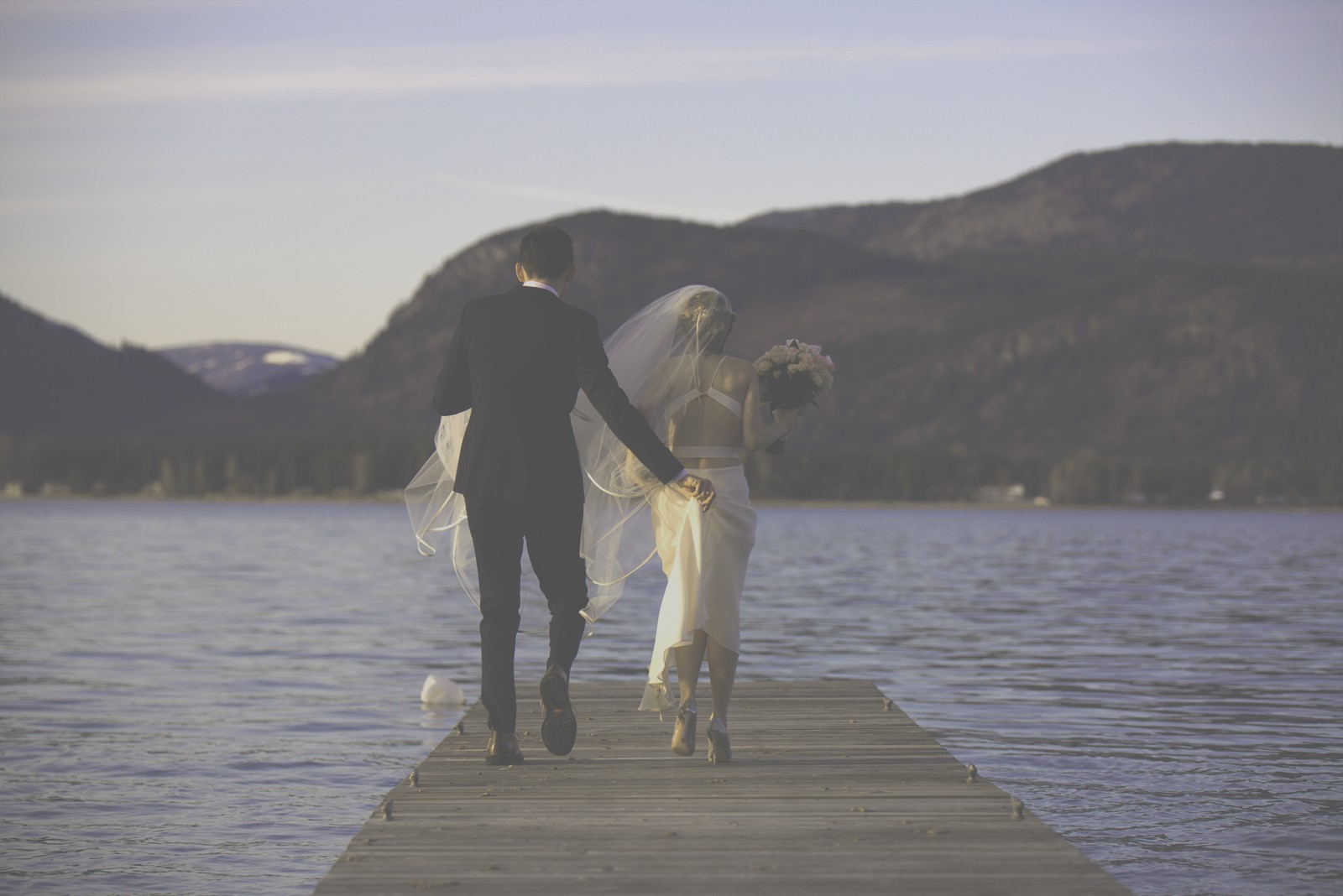
Faded, warm instant-film character for a completely different vibe.
All free, all loadable in the User Def. slots of this body. The full catalog is in Films.
FAQ
Does the Rebel T7 have Picture Styles?
Yes — every EOS camera does. The T7 ships with the standard set (Standard, Portrait, Landscape, Neutral, Faithful, Monochrome) plus three User Def. slots for custom files like these film looks.
Can I go back to normal colors?
Any time: switch back to Standard in the Picture Style menu. If you shoot RAW, the file keeps all the sensor data and any style — custom or factory — can be changed later in Digital Photo Professional.
Do film looks slow the T7 down?
No. A picture style is just development settings — there is no processing penalty, and burst rate, autofocus and battery life stay the same.