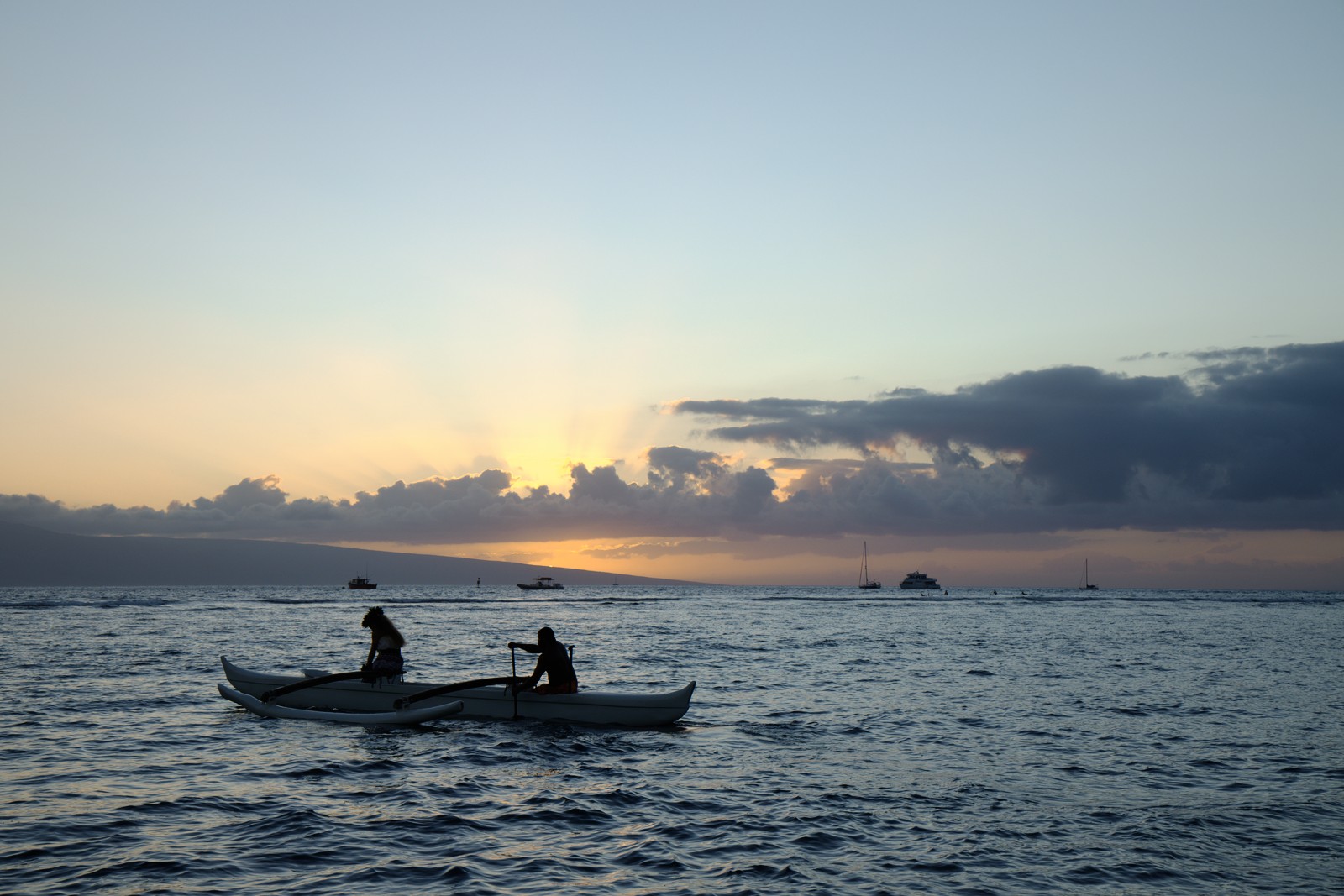
Fujifilm X-Trans III Velvia — Picture Style for Canon
X-Trans emulation — an approximation, not affiliated with the brand
A look inspired by Fujifilm X-Trans III Velvia, adapted as a Picture Style (PF3) with a compatible structure for Canon EOS cameras: it loads as its own style and works in-camera and in Digital Photo Professional. It is not a Fujifilm product nor is it affiliated with the brand.
The recipe
Six-axis grading (H / S / L)
| Axis | Hue | Sat | Lum |
|---|---|---|---|
| Red | +16 | -2 | +12 |
| Yellow | -6 | +8 | -6 |
| Green | +12 | +6 | -6 |
| Cyan | -1 | -1 | 0 |
| Blue | -3 | +8 | +3 |
| Magenta | -10 | 0 | +3 |
Tone curve (11 points)
0,2 · 24,10 · 48,36 · 72,72 · 96,107 · 128,146 · 159,177 · 191,207 · 215,231 · 239,249 · 255,252
Compatible with Canon EOS cameras with Picture Styles (loaded via EOS Utility, Picture Style Editor or SD card). The file includes the six-axis grading, the tone curve and the basic parameters; the preview on this page was generated with the same color transformation written into the PF3.
About the Fujifilm X-Trans III Velvia look
When Fujifilm brought its reference films into its digital cameras, one simulation became the landscape shooters' favorite: Velvia. This variant captures the look of the simulation as it lived inside the X-Trans III generation of Fuji cameras — the X-T2, X100F and their siblings — which itself pays homage to the legendary Velvia slide film half a century of nature photography was shot on.
The character is pure landscape slide film: high saturation under control in the earth tones, greens and blues deepened without breaking, firm contrast and highlights that commit without hesitation. The result has that mountain-magazine feel: big colors, images sure of themselves. It is not a portrait film and does not pretend to be; it is a chromatic statement of intent.
Its natural habitat is mountains, the sea, forests and skies with substantial clouds: any scene where natural color is already strong and just needs a nudge. Sunrise and sunset bring out its best. On portraits with skin, however, its point of view is too pronounced; for people, Astia or a portrait negative is the better call.
This Picture Style moves the simulation onto your Canon with a six-axis grade that deepens blues and greens and a firm contrast curve. It plays great with standard Canon lenses and with RAW+JPEG: the JPEG comes out with all the color in place and the RAW stays free for more discreet variations. If you always envied Fuji's straight-out-of-camera color, this is your way in.
Use a polarizer to push blues and greens to the edge without touching the style's saturation, and shoot in the first two hours after sunrise or the last two before sunset: low light is its fuel. For mountain shots with snow, watch your highlights: Velvia's firm contrast clips white sooner than gentler styles do. Shoot a familiar place with it and the place will look newly painted.
Frequently asked questions
Is this an official Fujifilm product?
No. It is an independent emulation created by FilmTone, inspired by the color character of Fujifilm X-Trans III Velvia. It is not affiliated with or endorsed by Fujifilm; film names are mentioned only to describe the look being emulated.
Which Canon cameras support this Picture Style?
Any Canon EOS with Picture Styles and User Def. slots: DSLRs from the 350D onward, EOS R and M mirrorless bodies, and recent PowerShot models. The PF3 file registers into a free slot and is selected like any factory style.
How do I install it on the camera?
Three routes: with EOS Utility over USB or Wi-Fi (the most universal), opening the PF3 in Picture Style Editor and registering it, or from the SD card on recent models that allow it. We have a step-by-step guide in the guides section of the site.
Does it affect my RAW files?
The style applies to the JPEG, the on-screen preview and the RAW pre-render, but the RAW keeps all the sensor information: you can change or remove the style later in Digital Photo Professional. Shooting RAW+JPEG gives you both the instant look and the untouched digital negative.
Does it cost anything to download?
No. Downloading the PF3 is free and you can customize the name your camera will show (1–24 ASCII characters). The project runs on voluntary Ko-fi donations.