Canon EOS R100 — Film Looks & Free Picture Styles
The R100 is the cheapest way into the EOS R system: a light, simple APS-C body aimed at people stepping up from a phone or from a very old DSLR. What it keeps — and what matters here — is the full Picture Style engine, with the three User Def. slots where a film-look file goes.
For someone learning, that is worth more than a folder of presets: the look is decided once, before leaving home, and every JPEG comes out of the camera already graded. The editing happens in the choice of film, not after every shoot.
How to load a film look on the EOS R100
Picture styles are registered through EOS Utility: install it (free from Canon), connect the R100 over USB and open "Camera settings/Remote shooting" → "Register User Defined style", choose one of the three User Def. slots and open the .PF3. The R100 manual refers to EOS Utility for this step — the camera menu adjusts a registered style, it does not import one.
The full walkthrough, including what to do if EOS Utility does not detect the body, is in the installation guide.
Full walkthrough: How to install Picture Styles (PF3) on your Canon · Film simulation: Picture Styles vs LUTs vs apps
Five films to start with on the EOS R100

The all-round sunny look of everyday print film; forgiving on the kit lens.

Soft, flattering skin tones — the safe first load for family and people.

Grainy black-and-white reportage, the cheapest way to make ordinary scenes interesting.
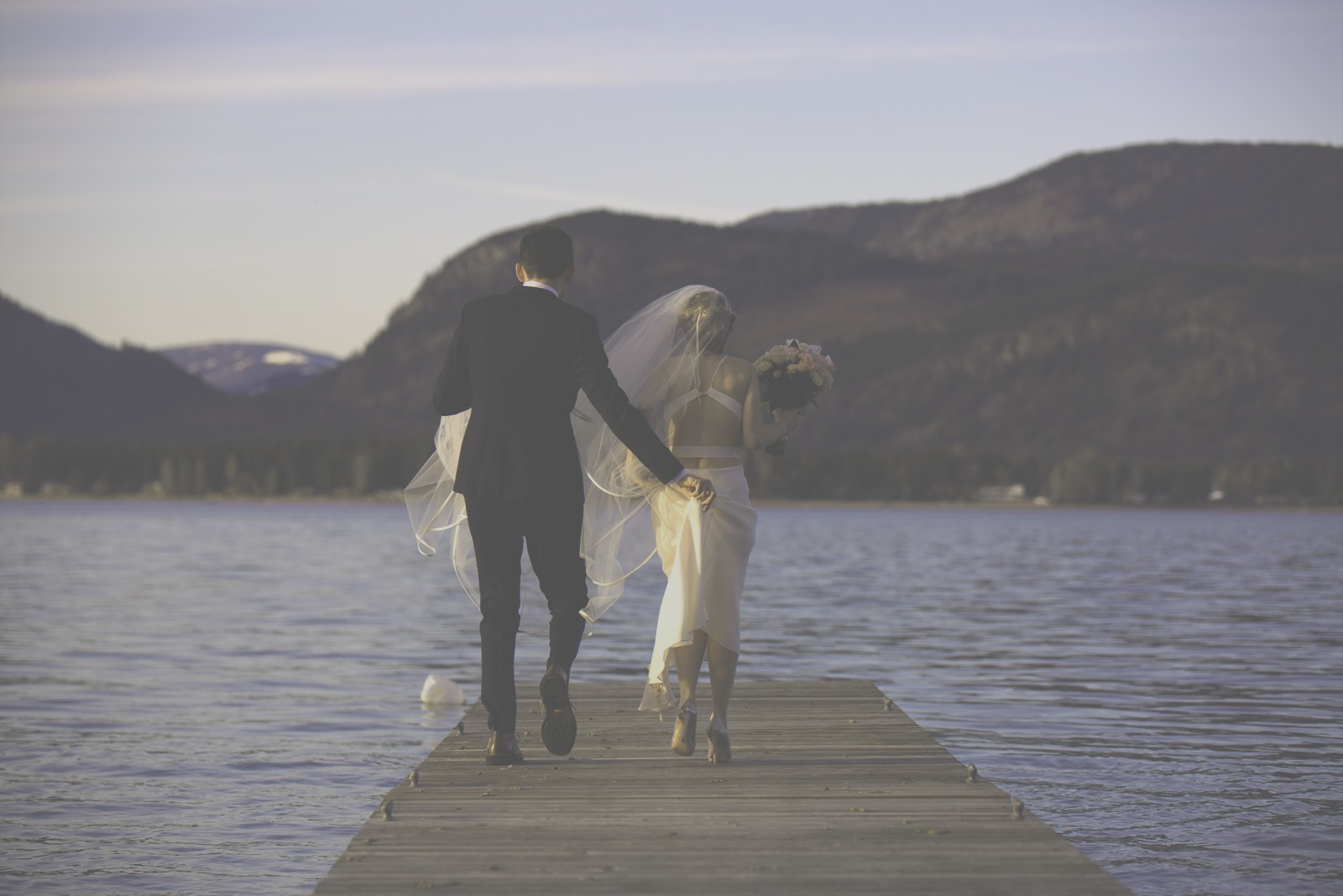
Faded, warm instant-film character for a completely different vibe.

Punchy, saturated nineties color for street and neon.
All free, all loadable in the User Def. slots of this body. The full catalog is in Films.
FAQ
Is the R100 enough for film looks?
Yes. What a film look needs is the Picture Style engine plus the three User Def. slots, and the R100 has both. The look does not depend on sensor size or on the price of the body.
Where are the User Def. slots on the R100?
Menu → Shooting (camera icon) → Picture Style. The three User Def. slots sit at the end of the list; once registered, a film look is selected exactly like Standard or Portrait.
Do the looks slow the camera down?
No. A picture style is development settings, not processing: burst rate, autofocus and battery behave exactly the same with a film look loaded.