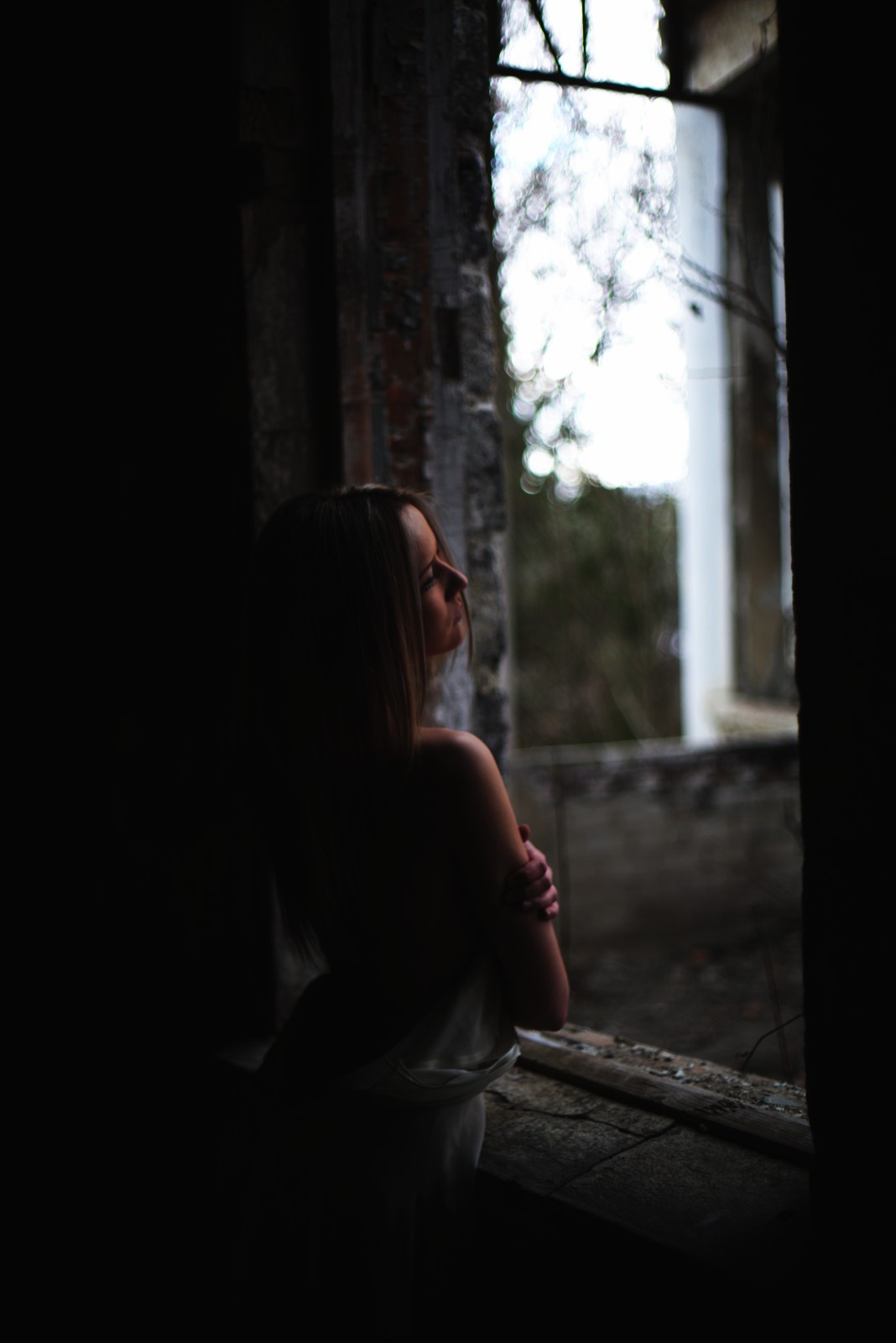
Kodak 2393 — Picture Style for Canon
Print look emulation — an approximation, not affiliated with the brand
A look inspired by Kodak 2393, adapted as a Picture Style (PF3) with a compatible structure for Canon EOS cameras: it loads as its own style and works in-camera and in Digital Photo Professional. It is not a Kodak product nor is it affiliated with the brand.
The recipe
Six-axis grading (H / S / L)
| Axis | Hue | Sat | Lum |
|---|---|---|---|
| Red | -5 | -18 | -12 |
| Yellow | +4 | -3 | -3 |
| Green | +3 | -18 | -6 |
| Cyan | -8 | -1 | +6 |
| Blue | +6 | -12 | -6 |
| Magenta | +3 | -16 | +3 |
Tone curve (11 points)
0,5 · 24,10 · 48,18 · 72,37 · 96,74 · 128,144 · 159,201 · 191,235 · 215,247 · 239,252 · 255,254
Compatible with Canon EOS cameras with Picture Styles (loaded via EOS Utility, Picture Style Editor or SD card). The file includes the six-axis grading, the tone curve and the basic parameters; the preview on this page was generated with the same color transformation written into the PF3.
About the Kodak 2393 look
Kodak 2393 is not a stills film: it is Kodak's motion picture print stock, the emulsion movies were historically printed on for their run through a projector. Its second life arrived through the door of digital grading: print-emulation LUTs built from 2393 became the de facto standard of the cinematic look — those teal-tinted shadows and warm orange skin tones half the industry recognizes instantly.
The look is pure dramaturgy: high contrast with deep, dense blacks, highlights rolling toward golden orange and shadows drifting toward bluish teal. The pairing separates subject and background naturally and gives the image that film-and-TV-fiction finish. The fine print grain adds just enough texture without distracting. It is not a realistic look — it is a movie look, literally.
It works best in narrative and atmospheric portraiture: shorts, editorial portraits, urban nights with practical lights, richly colored sunsets. It is spectacular with skin up close and backgrounds with depth. For pure landscape or discreet corporate color it is too theatrical; other catalog emulsions fit better there.
This Picture Style for Canon brings that print-look straight into the camera: the six-axis grading pushes shadows toward teal while protecting skin warmth, and the curve lays down the print contrast. Ideal for video with Picture Styles or for project photography. With RAW+JPEG you keep the full negative in case the client asks for a less cinematic version.
For video it is one of the most comfortable looks with Picture Styles: the image comes out with the teal-orange separation already in place, no grading pass needed. For photos, bet on backgrounds with depth and well-lit skin: the look separates layers naturally. Avoid pure green palettes (forests at noon), where the teal cast can double up and sicken the foliage color. Try one portrait at dusk with it and you will understand the cult.
Frequently asked questions
Is this an official Kodak product?
No. It is an independent emulation created by FilmTone, inspired by the color character of Kodak 2393. It is not affiliated with or endorsed by Kodak; film names are mentioned only to describe the look being emulated.
Which Canon cameras support this Picture Style?
Any Canon EOS with Picture Styles and User Def. slots: DSLRs from the 350D onward, EOS R and M mirrorless bodies, and recent PowerShot models. The PF3 file registers into a free slot and is selected like any factory style.
How do I install it on the camera?
Three routes: with EOS Utility over USB or Wi-Fi (the most universal), opening the PF3 in Picture Style Editor and registering it, or from the SD card on recent models that allow it. We have a step-by-step guide in the guides section of the site.
Does it affect my RAW files?
The style applies to the JPEG, the on-screen preview and the RAW pre-render, but the RAW keeps all the sensor information: you can change or remove the style later in Digital Photo Professional. Shooting RAW+JPEG gives you both the instant look and the untouched digital negative.
Does it cost anything to download?
No. Downloading the PF3 is free and you can customize the name your camera will show (1–24 ASCII characters). The project runs on voluntary Ko-fi donations.