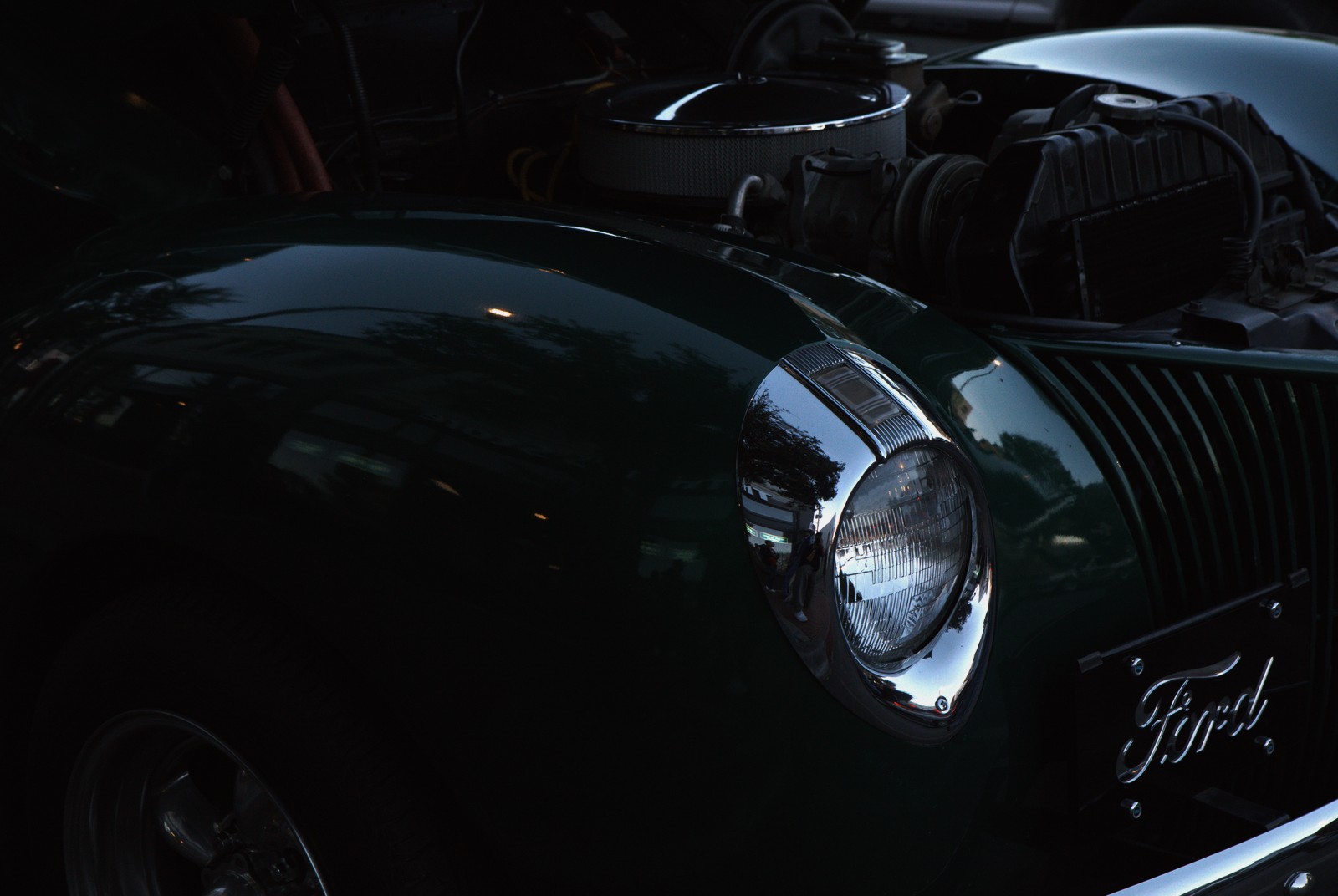
Lomography Redscale 100 — Picture Style for Canon
Color negative emulation — an approximation, not affiliated with the brand
A look inspired by Lomography Redscale 100, adapted as a Picture Style (PF3) with a compatible structure for Canon EOS cameras: it loads as its own style and works in-camera and in Digital Photo Professional. It is not a Lomography product nor is it affiliated with the brand.
The recipe
Six-axis grading (H / S / L)
| Axis | Hue | Sat | Lum |
|---|---|---|---|
| Red | +12 | -18 | 0 |
| Yellow | -12 | -8 | -3 |
| Green | +18 | +6 | -6 |
| Cyan | -1 | -16 | 0 |
| Blue | -5 | -12 | 0 |
| Magenta | +28 | -16 | +6 |
Tone curve (11 points)
0,3 · 24,13 · 48,26 · 72,42 · 96,62 · 128,98 · 159,136 · 191,171 · 215,198 · 239,223 · 255,240
Compatible with Canon EOS cameras with Picture Styles (loaded via EOS Utility, Picture Style Editor or SD card). The file includes the six-axis grading, the tone curve and the basic parameters; the preview on this page was generated with the same color transformation written into the PF3.
About the Lomography Redscale 100 look
Redscale is probably the simplest film experiment there is: you expose the film through its base — flipped around — so light crosses the emulsion layers in reverse order, filtering into red-orange. Lomography turned the trick into a catalog product with its Redscale stocks, and a look that in the analog years was an accident became a language of its own: everyone under a burning sun.
The result is immediate and total: the whole scene tints into reds, oranges and ambers; greens turn olive, blues vanish or go greenish, and skin passes through burnt gold. Medium contrast and visible grain finish drawing that air of a photograph backlit by a lamp. No cold nuances allowed: here you live under a different sky.
It is a narrative look, not a documentary one: deserts and fictional sunsets, retro nostalgia, invented memories, record covers, intense autumns. Scenes with light sources in frame (street lamps, backlight, direct sun) shine, as do profile portraits against light backgrounds. If you want a whole series to feel remembered rather than seen, this is the shortcut.
This Picture Style for Canon replaces the physical trick with a six-axis grade that collapses the colds and soaks the frame in amber, with just enough curve for highlights to glow without burning the rest. In RAW+JPEG you keep an emergency exit back to real color. Shoot with low sun or warm artificial light and let the camera play the red-glass filter.
Watch scene contrast: over the amber wash, dark elements become silhouettes and bright ones burn, so think of the photo in two values before shooting. Pure whites (t-shirts, whitewashed walls) turn into zones of fire: use them with intention. In RAW, lowering the development color temperature recovers some information without breaking the spell. One color check in the scene saves ten in post.
Frequently asked questions
Is this an official Lomography product?
No. It is an independent emulation created by FilmTone, inspired by the color character of Lomography Redscale 100. It is not affiliated with or endorsed by Lomography; film names are mentioned only to describe the look being emulated.
Which Canon cameras support this Picture Style?
Any Canon EOS with Picture Styles and User Def. slots: DSLRs from the 350D onward, EOS R and M mirrorless bodies, and recent PowerShot models. The PF3 file registers into a free slot and is selected like any factory style.
How do I install it on the camera?
Three routes: with EOS Utility over USB or Wi-Fi (the most universal), opening the PF3 in Picture Style Editor and registering it, or from the SD card on recent models that allow it. We have a step-by-step guide in the guides section of the site.
Does it affect my RAW files?
The style applies to the JPEG, the on-screen preview and the RAW pre-render, but the RAW keeps all the sensor information: you can change or remove the style later in Digital Photo Professional. Shooting RAW+JPEG gives you both the instant look and the untouched digital negative.
Does it cost anything to download?
No. Downloading the PF3 is free and you can customize the name your camera will show (1–24 ASCII characters). The project runs on voluntary Ko-fi donations.